Categories
News

Useful Tips to Create the Best Online Presentation

Written by: Maine Dela Cruz

If you’re in charge of a large project that will require the cooperation of a large number of team members, it would have been simple to engage and motivate them if they were all located in your office. However, the new normal has prompted many companies to establish remote work setups.

Meanwhile, the pandemic has also enabled companies to recruit employees from different parts of the Philippines. In fact, even small businesses engage remote workers. With team members dispersed around the country and as more individuals work from home, online presentations have become increasingly prevalent.

Rather than engaging with each person personally, creating online presentations allows everyone to hear the same facts concurrently and collaboratively through a fast internet connection and unlimited WiFi.
Subscribe to Streamtech Fiber Internet

How to Make Professional Presentations Online

For many, transitioning from in-person to online presentations may create new obstacles. However, we need to keep our business going. online presentations online presentations online presentations

Are you worried that you’ll make a mistake with new technology or seem stressed when presenting in an unfamiliar digital environment? You are not alone in this. These tips will help you create an effective online presentation and help level up your presentation skills. Who knows, your work might even be published online as a reliable resource, right?

1. Start with the right tool.
start with the right tool for online presentation - streamtech fiber internet
Photo by GoTo Meeting

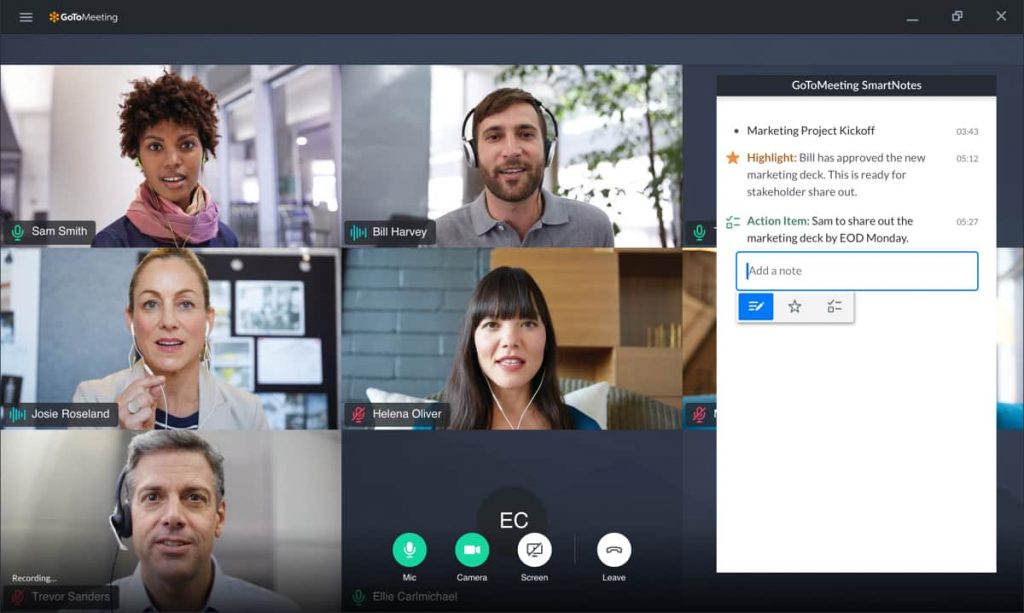
You could invite everyone to a conference call and email them a PDF, but then you have no idea who is present or if they are on the same page. Collaborative software such as Go-To-Meeting or join.me keeps track of who is online and ensures that everyone is chatting about the same slide.

2. Simplify your slides.

simplify slides for online presentations - streamtech fiber internet
Photo by Slidebean on Unsplash

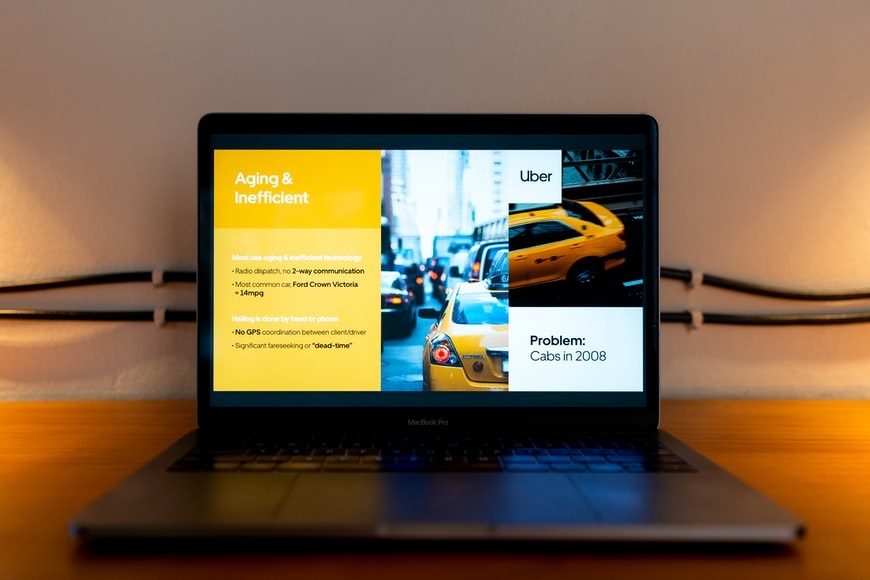
Each online conference platform has its own unique approach to the slide presentation. Avoid technological difficulties by creating straightforward, easy-to-read presentations. Go straight to the main point, and avoid more slides that are unnecessary. Have your own time planning ahead.

Place text in the middle of the slides rather than on the edges, since they may not appear adequately on the screens of your audience. Use a simple headline and three or four bullet points to support the main takeaway. Additionally, try generating high contrast slides—they make your virtual audience’s reading simpler.

3. Use visual examples.
use visuals for online presentation - streamtech fiber internet
Photo by Slidebean on Unsplash

The words are adequate, but the images are outstanding for stunning presentations. Identify a few images that are actually worth a thousand words. You may also want to allocate new slides for them. You can always customize your slides, aside from the templates or ideas available. But avoid overburdening the presentation with cutesy art unless it serves a function directly related to the message you’re attempting to deliver.

Taking screen photos of web content may be quite beneficial when referencing it. You can even do this in real-time if the material is time-sensitive. If you’re going to use video, keep it brief and to the point. Otherwise, simply provide the URL and allow viewers to watch at their leisure. Additionally, use slide layouts that match your presentation content.

4. Produce interactive presentations.
interactive online presentation - streamtech fiber internet
Photo by Kahoot

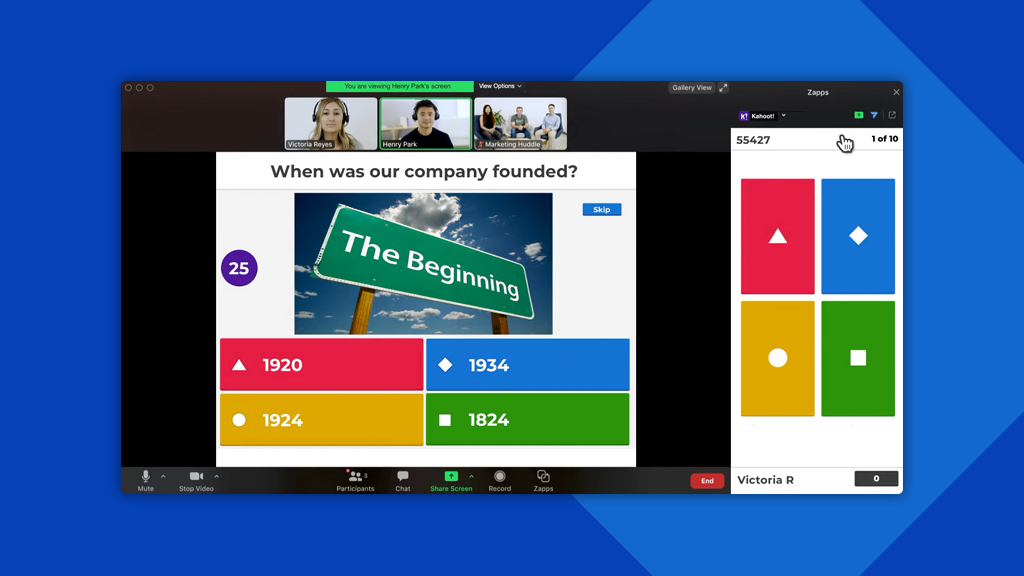
A boring presentation is a big no-no. Maximize participant participation and social connection to make your presentation memorable. Use a powerful website that enables you to use an interactive presentation design. An advanced presentation software gives you a better customizing, publishing, and sharing of creative presentations online.

Making beautiful presentations has never been so easy for nondesigners. Tons of features are offered to inspire you to make your design innovative, modern, and professional. This includes the usage of polls, whiteboards, quizzes, dynamic word clouds, and breakout rooms. You may utilize your webinar software’s polling capabilities or additional tools like Poll Everywhere and Kahoot. And save the findings until all participants have participated so that certain replies impact their peers.

5. Set the scene.

Place for online presentation - streamtech fiber internet
Photo by Samantha Gades on Unsplash

Eliminate any visual clutter behind you. Clutter includes plants, boxes, piles of books, food, toys, laundry, pets — an ideal background is a plain wall to eliminate distractions and look professional.

If you can’t tidy up your space, you can also create a sophisticated virtual background. Check out Canva’s free virtual backgrounds as an example. You can upload these designs to any video conferencing system that allows for customized backgrounds. Not sure how to do this? Providers such as Zoom, Microsoft Teams, or Webex, to name a few, give you step-by-step instructions.

6. Do the tech prep.
tech prep for online presentation - streamtech fiber internet
Photo by Markus Spiske on Unsplash

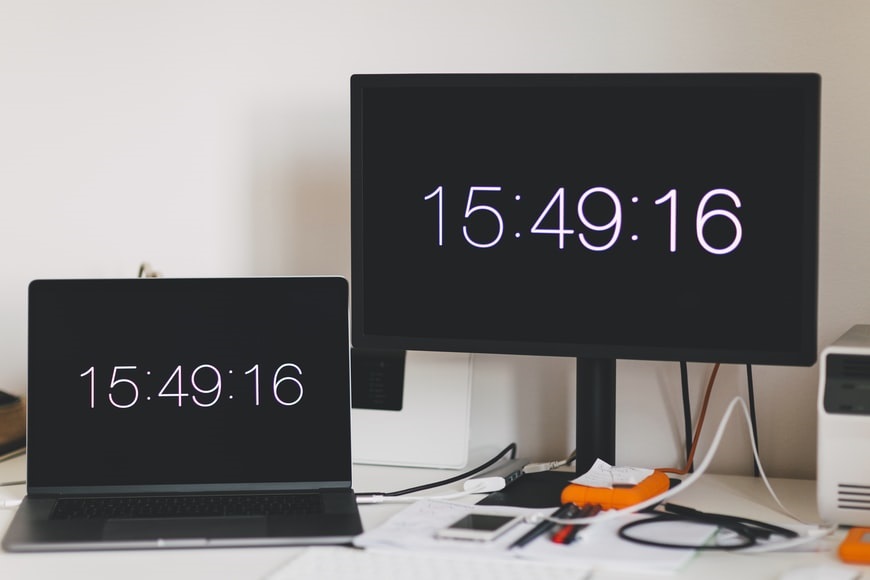
With the use of technology comes an increased risk of complications. Foreseeing technological failure is one approach to prepare. Focus on what you can control such as the following:

1. Internet connection

Choose the most dependable internet connection. Wired connections are preferred over wireless (WiFi) connections by web-conferencing companies. And WiFi is preferred over mobile data.

2. Backup device

In case of a malfunction, have a backup laptop (or tablet or phone) handy.

3. Backup file

Download a PDF copy of your presentation in case your slides go kaput. Keep in mind that when you save your presentation as a PDF, your hidden slides aren’t hidden.

4. Unwanted apps

To avoid web conferencing software interference, close any unwanted apps. Other background operations that use a lot of memory or bandwidth, such as huge file downloads or immediate file synchronizations, should also be disabled.

5. Audio and microphone

Preparation is key. Reverse your microphone’s mute/unmute action As the host, try muting and unmuting participants. Consult your video conferencing app’s help section for specific instructions.

7. Be clear and efficient.
Be clear in online presentation - streamtech fiber internet
Photo by Slidebean on Unsplash

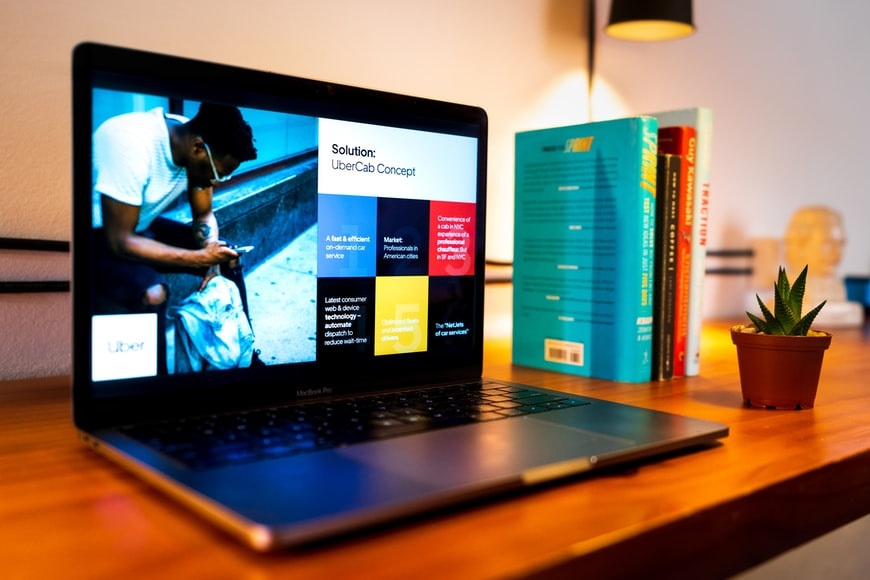
Make sure the presentation is easy to understand and concise. Each slide should represent about three or four minutes of material, and any more than 15 to 18 slides can be overwhelming. If you have more material, consider splitting the presentation.

Practice before you deliver your talk to make sure the order makes sense and that you can deliver it with good articulation and at a pace, everyone can understand. The record feature on collaborative software is a great tool for reviewing your presentation skills.

8. Look them in the eye.
Look in the eye during online presentation - streamtech fiber internet
Photo by Surface on Unsplash

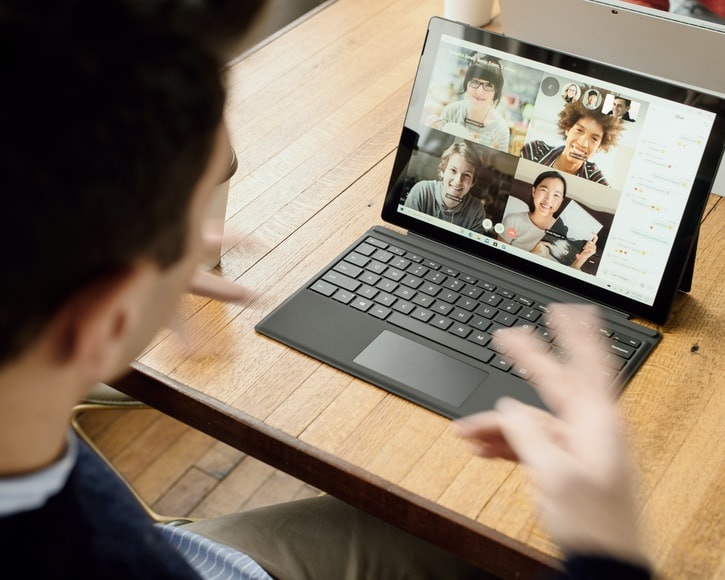
Raise your laptop so that your camera is at eye level. You can do this quickly by placing a box or a stack of books underneath your laptop. Practice speaking to the camera, not the screen. As well, angle the laptop screen so that you are centered in the frame, and your head is not cut off.

9. Regularly re-engage your audience’s attention.
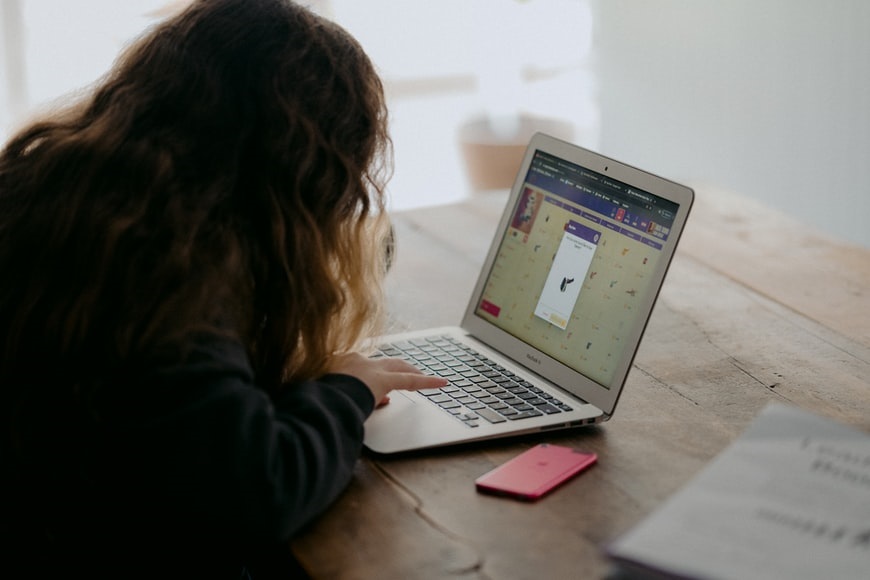
Engage audience in online presentation - streamtech fiber internet
Photo by Annie Spratt on Unsplash

Regularly re-engage your audience’s attention. To prevent listeners from not paying attention, pick up the pace. If you speak at a leisurely pace, you risk losing your virtual audience. You can also re-engage flagging attention with frequent change-ups or interruptions in your speaking pattern by:

1. asking a direct or rhetorical question

2. soliciting feedback or comments

3. using engaging images here and there

4. telling an anecdote that illustrates your point

5. providing an example or two to explain a point or introducing a metaphor to bring a pivotal point to life

6. showing a brief video clip that ties into your message

10. Leave time for questions.

If you set an hour for the presentation, at least 15 minutes should be used for questions and discussion. You can review any written questions that were left unanswered and allow for discussion amongst the team. Don’t let the questions drone on or get redundant. Manage the session kindly, with purpose and authority.

Create your own presentation with Streamtech!
Streamtech Fiber Internet

The last thing you want to happen during your online presentations is for your internet to be weak or inconsistent. And only you can fix that problem. An unlimited WiFi isn’t enough, you’ll need fast internet, so ensure you have one.

With Streamtech Home’s fast internet, you can meet all of your technological requirements and deliver the best online presentations. For as low as Php1,499, you can experience unlimited WiFi powered by fast internet.

Additionally, Streamtech offers cable-internet bundles in collaboration with Planet Cable. Users have access to the most frequently viewed channels.

What are you waiting for? Subscribe to experience the best home fiber internet and #ExceedLimits with Streamtech Home! You may also visit our Facebook page, Streamtech Internet, for more information.

Categories
News

What are the most useful online learning apps you should have?

Written by: Aiya Rodjel

Online learning has paved the way for millions of children worldwide to continue their education despite pandemic restrictions. In the Philippines, distance learning takes place through different methods. Some children attend classes through radio learning or one-on-one sessions with their teachers. However, the most popular learning method in the country is remote learning via the internet.

Online learning is made possible by having the right tools in your arsenal. Aside from having a mobile device or computer and a reliable internet provider in the Philippines, both educators and students require tools or apps for online learning. This article will discuss the best educational apps to make distance learning more efficient and effective.

Subscribe to Streamtech Fiber Internet

Read these related articles now:

Google Classroom for distance learning

One of the most popular mobile apps for online education is Google Classroom. This all-in-one app is one of the best free resources on the internet. Through Google Classroom, students and teachers can manage, measure, and enrich learning experiences.

Through this free app, online classes are managed through Google’s suite of products. These include Google Docs, Gmail, Google Meet, and Google Calendar. To teach online may be challenging, but these apps for online learning have been instrumental in making the experience more manageable for many people.

Teachers can manage their lesson plans while checking if their students complete assignments or not. They can keep track of multiple students while taking care of their lesson materials.

Online students can work on their to-do list while keeping track of their learning progress. They can also send messages to their classmates and teachers without unnecessary distractions.

Whether you’re a student or teacher, this platform allows you to organize online classes through cloud storage, communicate with others remotely, and stay organized. With Google Classroom, you can manage online learning at your own pace. The best part? Google’s suite of free apps is completely free.

Zoom Education for Online Education

zoom education - most useful online learning apps - streamtech fiber internet
Photo by Chris Montgomery on Unsplash

One of the best educational apps around is Zoom Education. Amid the pandemic, Zoom has removed its 40-minute limit for basic accounts for primary and secondary schools. What’s great about this online tool is that it allows you t record classes, which is especially useful for those learning online courses on their own time.

Other educational institutions have even subscribed to premium plans to take their learning methods to the next level. Zoom Education seamlessly integrates with schools’ learning management systems. Hence, teachers can schedule and start meetings directly within their available platforms.

Zoom Education goes beyond virtual classrooms. This is the best app to hold public events like student orientations or professional development sessions. Zoom is already known for its video conferencing capabilities, but Zoom Education takes online education to the next level.

Moreover, Zoom Education has advanced features to facilitate learning more efficiently. These include polling, recording transcripts, and the ability to assign co-hosts to a meeting. These factors combined make Zoom Education one of the best apps around. With fiber internet for home, students and teachers can make the most of Zoom Education.

Kahoot to Make Online Learning Fun

Preparing engaging PowerPoint presentations is essential to keep students interested while taking online classes. However, many students can get distracted while pursuing their education at home. Fortunately, there are educational apps that can make learning more enjoyable. A great example of this is Kahoot.

Kahoot is a fun way to keep students engaged during online classes. It is a game-based learning app that helps improve the engagement level of students. This free app work for different subjects and languages, which means students from other countries can join in on the fun.

Through Kahoot, you can ask a math problem via quiz format, which makes learning seem more of a game than a chore. There are scoreboards to motivate students to put their best foot forward while learning.

With Kahoot, teachers can create fun quizzes, host live games, and so much more, allowing students to show their competitive side and have fun even while at home. Plenty of students misses the social interaction of in-person classes. Kahoot will enable them to master each lesson without getting bored. As long as you have high-speed internet, you can maximize this free app’s fun features.

The Khan Academy

If you’re looking for educational apps that make online learning more personalized, you should look into the Khan Academy. This app offers users practices, instructional videos, and a customized learning dashboard. This platform’s mission is to provide excellent free education for inquisitive minds worldwide.

What makes this app so popular is how you can adapt it to suit your learning styles. It’s a great tool to make learning online more manageable.

Moreover, access to the Khan Academy is free. Hence, you don’t have to spend much to manage your school requirements. In addition, this app utilizes adaptive technology to gauge learning gaps. This platform has partnered with NASA, MIT, and even the Museum of Modern Art to elevate students’ learning experiences.

Moreover, this app has free tools for teachers and parents. Hence, the app empowers everyone to support the entire learning experience for students. Students and teachers are given all the necessary tools to make learning online more effective. You can make the most of Khan Academy and its beneficial features as long as you have fiber internet for home.

Scratch

Young people have developed a penchant for learning new skills. When you introduce new concepts to them in a friendly way, they get motivated to pursue them. That is why it is worth learning from educational apps that make the process fun.

The future is in technology, and that is why you should consider learning to program. Programming is a great way to teach students problem-solving skills and logic. These are skills students can use in school and real life.

Hence, it’s a good idea to expose children to basic programming in their early years. As a start, you can utilize the app called Scratch. Scratch is a free, nonprofit coding platform that helps budding programmers with the basics. With high-speed internet in your arsenal, the possibilities with this app are endless.

Students can learn how to interact with computers and create interactive stories, online games, and other cool things on this app. What’s excellent about Scratch is how the lessons are crafted enjoyably. They’re built for young students who are eager to learn. Lessons are made simple and easy to follow. Thus, a student wouldn’t get intimidated by learning new skills.

FlipGrid

One of the reasons why learning apps have a bad reputation is the lack of student interaction. FlipGrid is one of the rare apps for online learning that seeks to solve this issue.

FlipGrid offers users a simple, free and accessible video discussion experience for teachers, students, and families. This app enables educators to start conversations and engage their students in a creative digital environment where everyone can share their ideas and personalities. With fiber internet for home, you can interact with other teachers and students wherever they may be.

This educational app is unique because it encourages open discussion among all parties. Students will feel more confident and comfortable being proactive in the digital classroom. If you want students to practice their public speaking skills, this educational app can do the trick. This skill will be instrumental in various industries in the future.

Why should you download educational apps?

why download the most useful online learning apps - streamtech fiber internet
Photo by John Schnobrich on Unsplash

The digital classroom has made it possible for teachers to continue their lessons. However, most teachers were not trained for teaching through a screen. Learning apps provide the resources teachers, and students need to make learning online more effective. Here are some of the top benefits of downloading educational apps today:

Easy access to educational resources

Some apps for online learning are designed to set reminders about classes, while some provide supplementary information to take one’s understanding to the next level. Some websites can help you get organized, but finding your own system can take much work.

With an educational app, you can complement all the teachings students learn from the classroom. These apps fill the gaps or challenges students face in online learning. Moreover, they’re made to be kid-friendly. Hence, you don’t have to worry about complicating your student’s learning experience.

Better communication

In in-person classrooms, it’s easier for students and teachers to interact. Even if a student’s question is not answered during class, that student can simply ask the teacher once the course is over. This free communication space has been taken away by distance learning, primarily because teachers and students are physically apart.

The truth is that not all questions are answered in the digital classroom. Access to learning apps provides all parties with platforms to share feedback and apparent misunderstandings.

In addition, students get to talk to each other better in educational apps because they’re not distracted by social media or other attention-grabbing matters. There are so many things at home and online that can steal students’ attention. Leaning apps help them focus better.

Mobility

What’s excellent about educational apps is how they can be accessed anywhere, anytime. You can access all the resources you need if you have a mobile device or computer. This mobility allows students to enter an online classroom wherever they may be.

All you need is a stable internet provider in the Philippines, and you’re ready to go. Now that students are learning from home or wherever they please, this freedom of movement is essential. You can access all the necessary apps and websites as long as you have the essentials.

Entertainment factor

Many students get quickly bored with their online classroom readings and the like. In turn, they tend to think of school as laborious and a total chore. These learning apps are designed to make learning online more fun.

There are videos, sound effects, and games designed to educate without being overbearing. In turn, students become more motivated to expand their horizons when accessing a fun learning app. Nowadays, it can be challenging to keep students’ attention. Learning apps aim to remedy this dilemma.

Environment-friendly

When you correct grammatical errors or missing citations manually, you tend to use more paper and other resources. With the use of apps, you use your mobile device or computer to streamline the education process. As long as you have fiber internet for home, you can access the online classroom and necessary websites for school.

Online Education in the New Normal

Streamtech Fiber Internet

The fact of the matter is that the education system will never be the same again. Educational institutions, students, and their families need to pivot to the demand of the times. While distance learning has its challenges, the benefits outweigh the risks.

Students have the right to proper education. To open all the necessary videos, websites, and learning apps to continue their studies, they need fiber internet for home. That is where Streamtech steps in.

As one of the newest internet service providers in the Philippines, we enable teachers and students to continue their studies wherever they may be. We empower students to exceed their limits and expound their horizons.

With our high-speed internet plans, you don’t have to burn a hole in your wallet for a stable internet connection. Whether you’re researching for the latest trends or an in need of a citation generator, you can do all these and more with Streamtech as your partner.

Not only do we supply fast and reliable fiber internet for home, but we also provide our subscribers with cable television. Hence, you can continue your studies while keeping yourself entertained in the comforts and safety of your home.

If you wish to maximize all the fantastic educational tools online, you should invest in high-speed internet plans from Streamtech. You’ll have everything you need and more at an affordable price. Contact our team today to get started. We also have a Facebook page where you can see our daily updates.

Categories
News

Streamtech Switches to Electronic Bill: Update Your Contact Info Now!

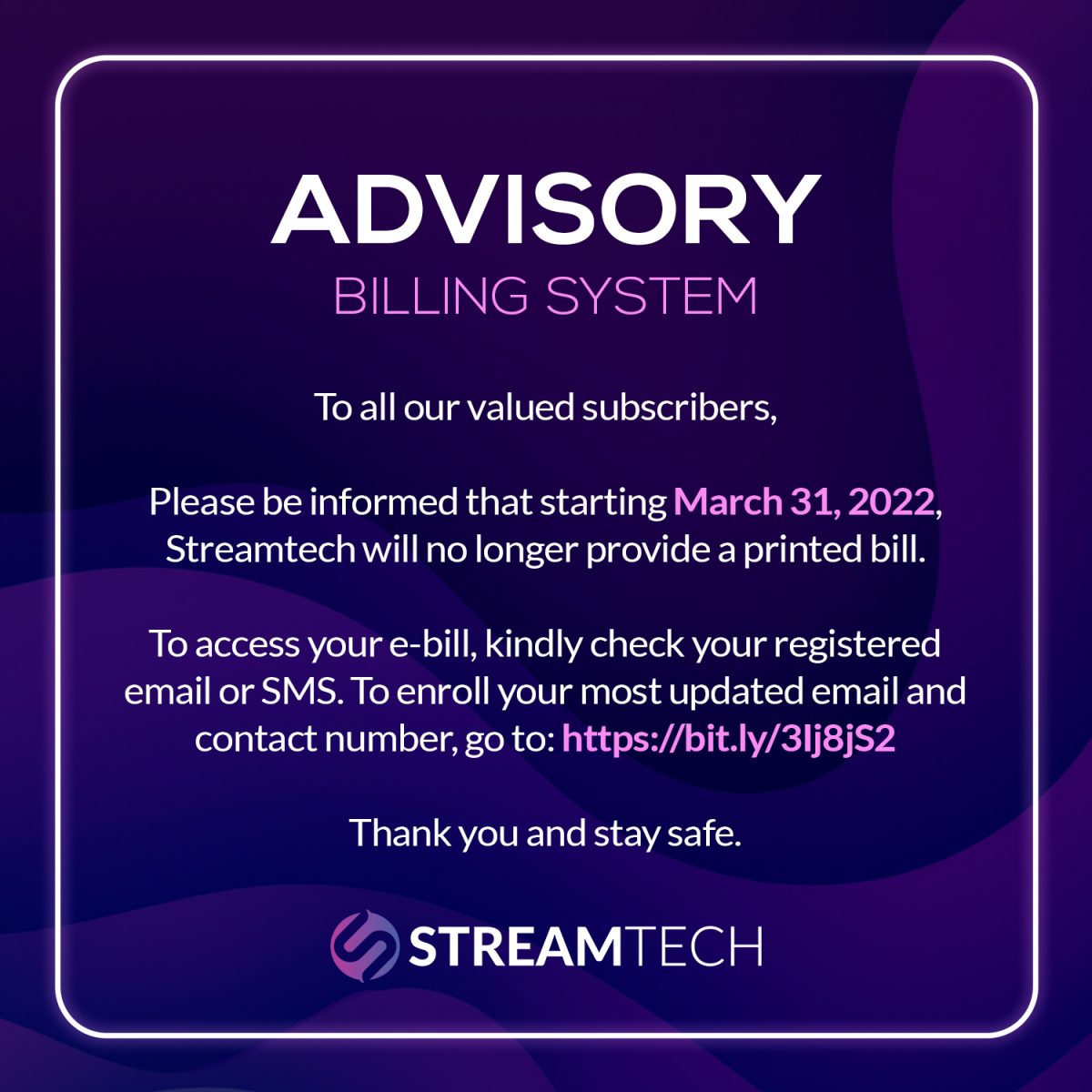
In line with our commitment to provide better services while ensuring the safety of our customers, Streamtech wishes to announce that we will be switching to paperless billing by the end of March 2022. This means that we will no longer provide a printed bill to our dear subscribers.

How do I check my bill?

As everyone’s lives have gone more fully digital, Streamtech has made it safer and even more convenient. Starting March 31, 2022, our subscribers may access their electronic bills through their registered email addresses or SMS. Thus, in just a few clicks, they will already see their outstanding balances, anytime and anywhere. Just ensure that you have enrolled your most updated contact information with us so that you won’t miss your monthly bill, and our other updates.

How to enroll or update my contact information?

Update your contact information with us, follow the steps below:

  1. Access this Streamtech SMS and Email Blast registration form.
  2. Input your account number.
  3. Enter your most updated mobile number and email address on their respective fields.
  4. Double check for errors before clicking the “submit” button.

If you have registered your most updated information but still do not receive your electronic bill, kindly coordinate with our customer care representatives so they can assist you. You may contact them via our hotlines: (02) 8808-2323 or 0919-057-8888. Additionally, you may send us an email at [email protected], and reach out to or visit the Streamtech branch nearest you.

What are the benefits of this new e-billing system?

First, implementing this new e-billing system by the end of the first quarter of this year will ensure that both our subscribers and personnel are safe. Despite the lower cases of COVID-19 recently, it is best to still practice measures that stem its transmission. Second, the e-billing system provides document security. A postal printed bill can be easily tampered with while in transit, whereas an e-bill will just directly go to your registered contact information. Lastly, this new online system is more convenient and efficient. Customers won’t have to wait for their printed bills because they can access it online, anytime, and anywhere. So, make sure to update your correct contact details to enjoy this new e-billing system! Likewise, get in the loop with our latest offerings and discounts for you by visiting our Promo page. And for our daily updates, visit the Streamtech official Facebook page.